Calls
Calls can be found under the AI submenu in the left menu.
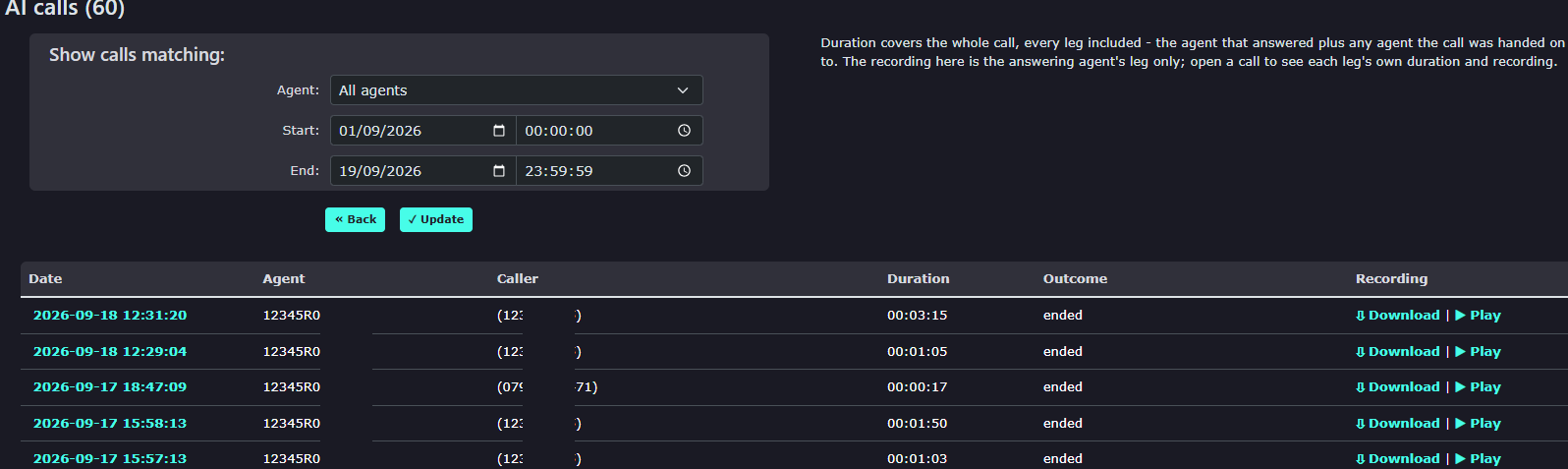
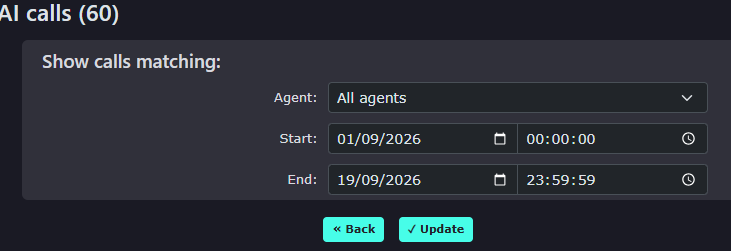
| You can search for the calls by picking a date and time range in the 'show calls matching' search box |
|
|
|
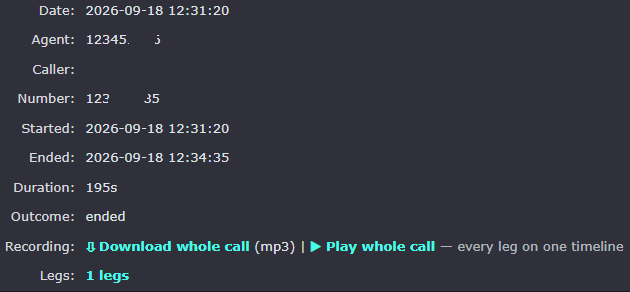
At the top of the page, you will find some details about the call. You can play the audio file of the call and also use the download option to save the call recording to your PC |
| Clicking the Time and date of the selected call will show you the full transcript of the call and what the agent and caller said. |  |