Bubble CRM integration
|
Under commerce, customer, find the customer you wish to add the Bubble service to.
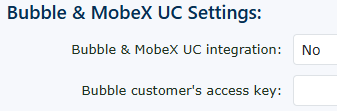
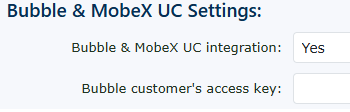
Change the Bubble & MobeX UC integration: to Yes |
|
|
Then click Save. |
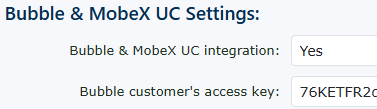
Then return to the Bubble & MobeX UC Settings: to copy the customer's access key, which is required for the initial Bubble software to work with your customers' setup. |
|