
Message control
Forward a message
You can right-click on a message you have been sent to forward the message to another chat user
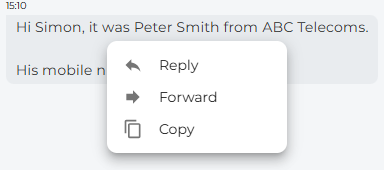
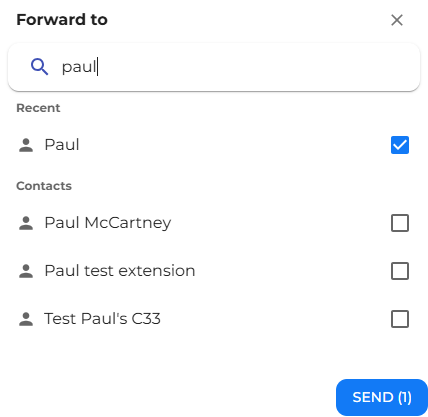
Search for or select the contact you wish to forward the message to, and then press the send button.

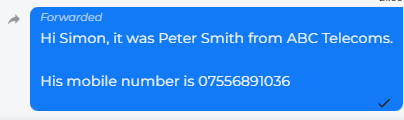
The contact you have forwarded the chat to will see the message with the word forwarded in the top left-hand side of the message.
Copy a message
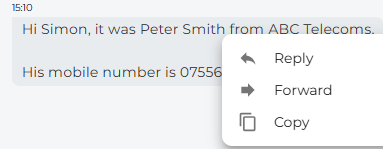
Reply to a particular message
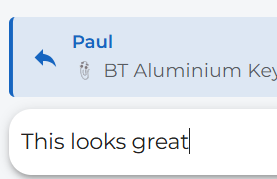
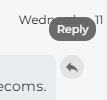
The message you are replying to will appear at the top of the type message box. You can also click on the reply arrow on the top right-hand side of the message to send a reply to that message
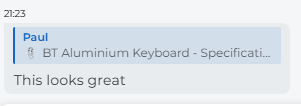
The contact that receives the message will see what message you are replying to.