Logging into MobeX - with Single Sign On

Or
https://phone-beta.sip2sip.net
to use the beta version and see pre-released features
Click the link, and you will be taken directly to the MobeX
login portal.
If you don’t receive an email, check your spam folder or go to the following link:
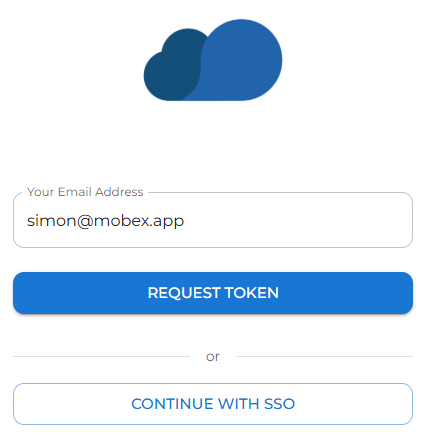
Enter your email address, then
Click Continue with SSO to log in using single sign-on.
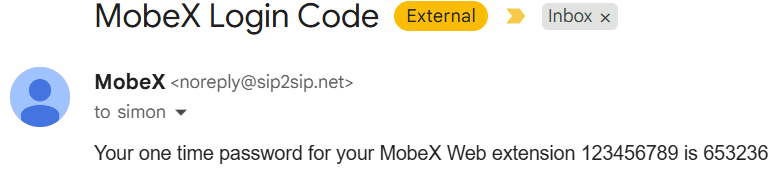
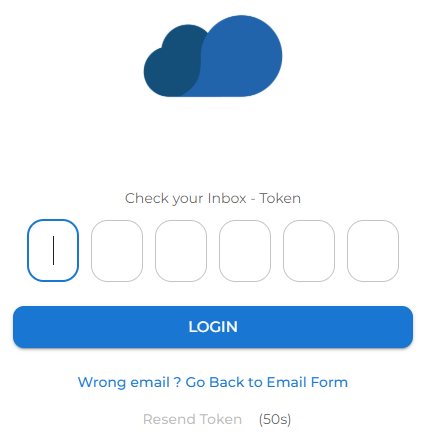
Once entered, you will be logged in to the initial presence window.

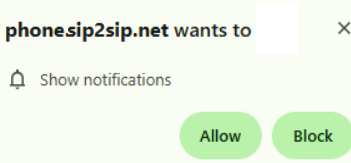
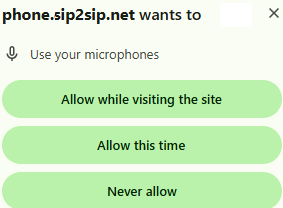
The software also requires the use of your microphone for voice and video calls.
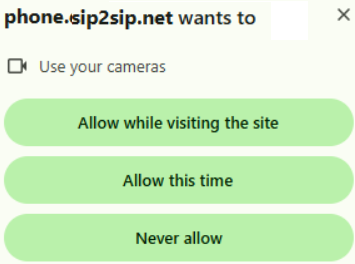
Finally, please allow for the use of your camera for video calls.