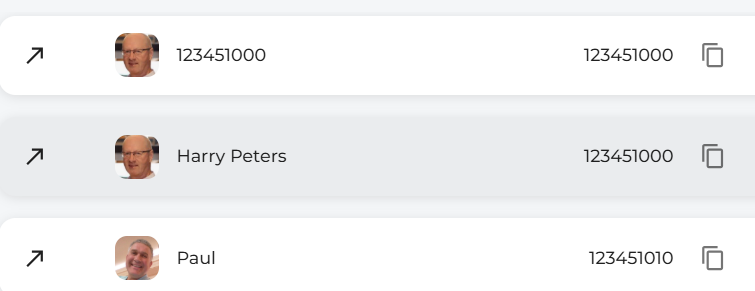
Call History

This is the layout of the call history page.
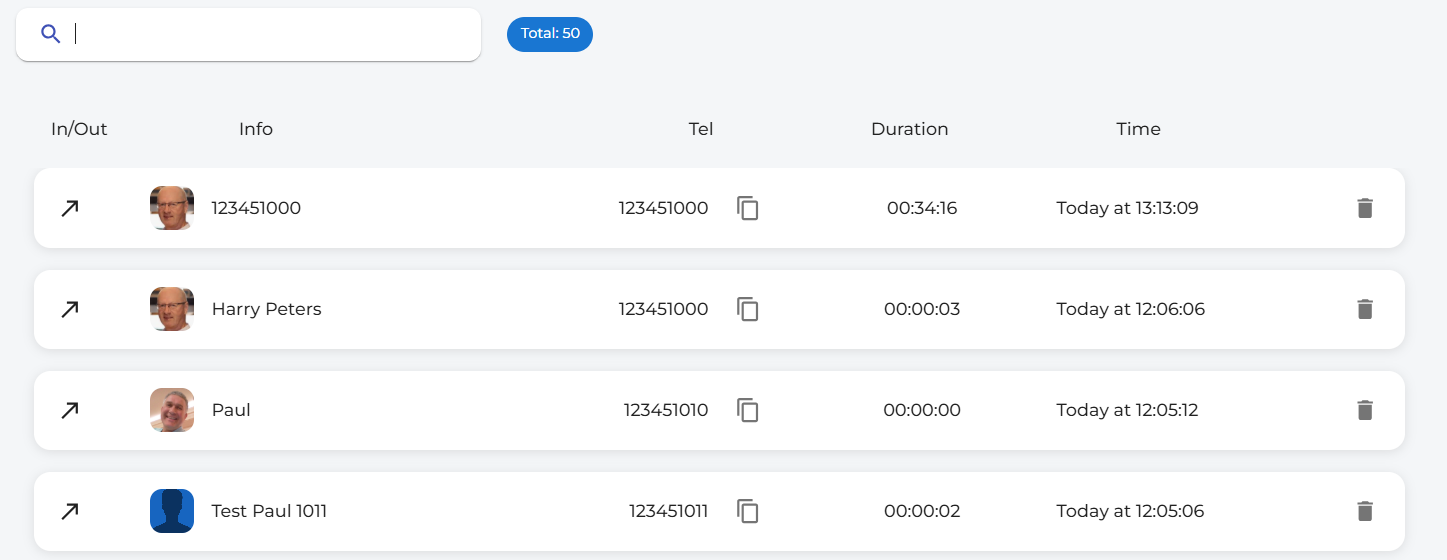
call history

You can search your call history using the search bar located at the top of the page.


You can see the direction of the call via the


In inbound calls, the arrow is facing down and to the left. If you have any missed calls, they are marked with this icon.
 Other icons & information.
You can copy a number to the clipboard by clicking on the copy icon.

 You can also delete a call from your call history. This will not delete the call from the telephone system portal.
The Info column displays the caller's name or the number you have called.

 The Tel column displays the actual number of the person.
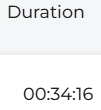
The Duration shows the length of the call.
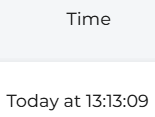
The Time column displays the time and date of the call. Here it shows a call today. If there are calls older than today, they will be displayed with the date and time in this format.


Call from call history. If you click the call history number, it will dial the number displayed. As you move your mouse over the history information, the colour will change to grey. This would be the number you will call.