Functions within chat
|
|
Bottom left: You can send emojis by clicking the emoji icon. Emojis can also be received in chats.
|
|
Bottom left |
Bottom left: Upload a document or file to send. |
|
You can create a conference for you and your chat participants to join. |
Bottom left: Click
A video link will be automatically generated and attached to the chat, ready to send. |
|
|
Bottom right: You can send messages using “Enter” on the keyboard or by clicking the send icon. |
|
Top right: You can start a video call directly with the person you are chatting with. |
Top right: Click the handset icon to start a phone call immediately. |
|
|
Top right: This icon will minimise the chat window. |
|
|
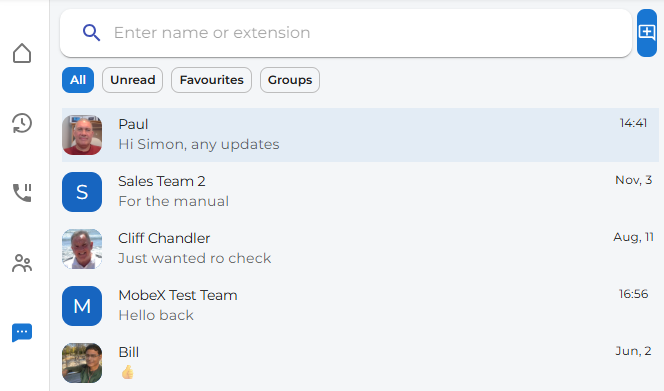
Use the search box to find any contact, group, or extension number. Just start typing a name or number. |