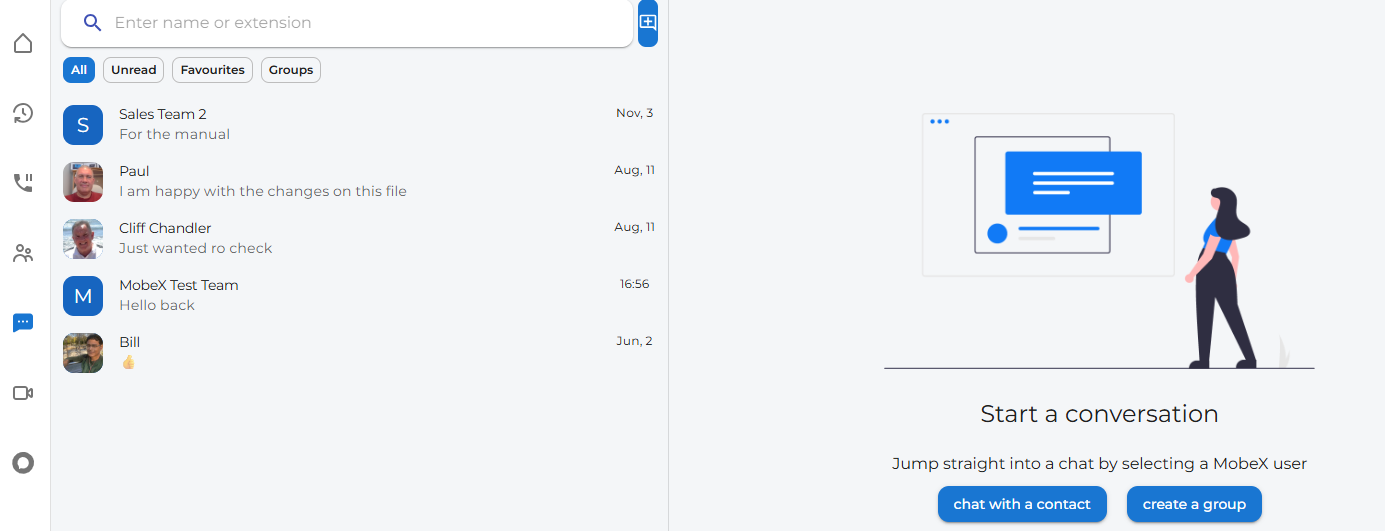
Chat Messaging main page
Start a chat
|
At the top of the chat page, you will find a chat + icon.
Click on this to start a new chat with someone |
|
|
|
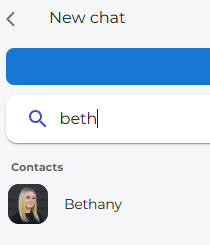
Enter their name in the search bar, then click on their avatar. |
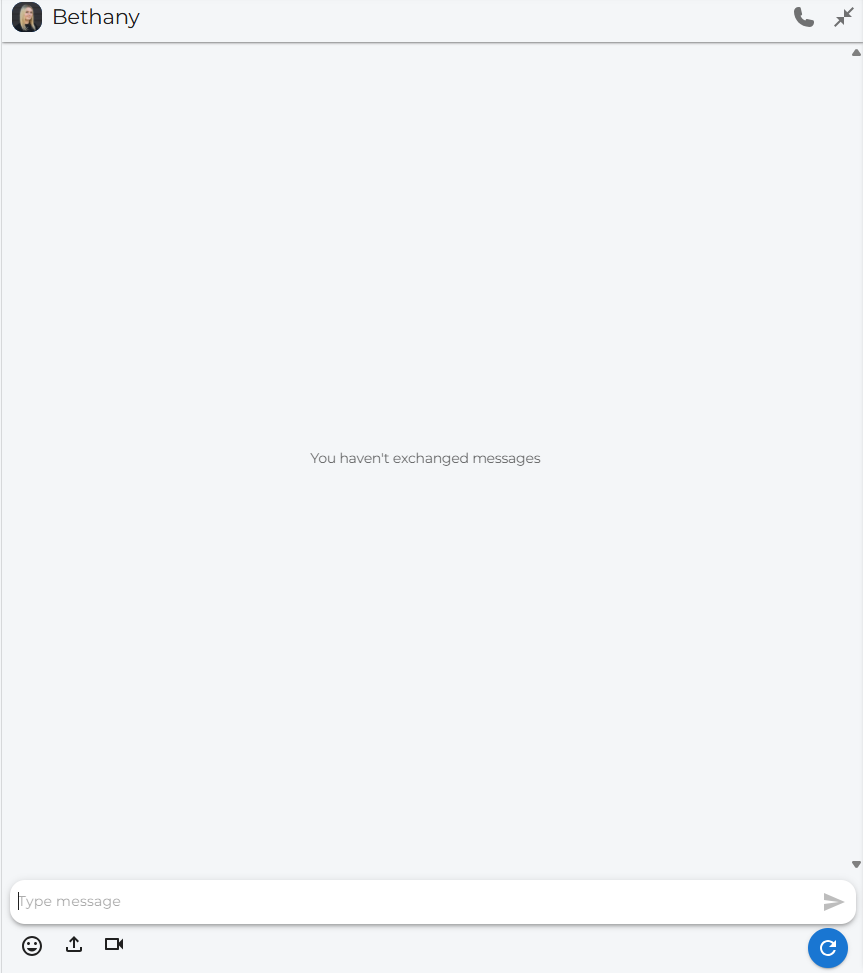
| A completely new chat will appear if this is your first time chatting with this person; otherwise, a previous chat will appear. |
|

Add a Chat to Favourites
| You can add any chat to your favourites tab by right-clicking on the chat you want to add. |
|
|
|
To remove the chat from your favourites tab, simply click on remove from favourites |
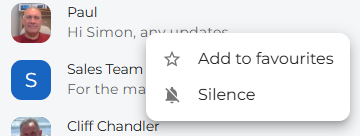
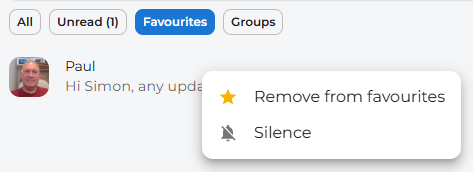
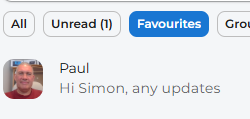
Click on the Favourites tab to see the chats that are part of the Favourites group.
Silent a chat notification
| To silence a chat notification, right-click on the chat you wish to silence. |
|
|
|
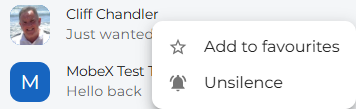
The chat will now appear with a bell crossed out to show that this chat has now been silenced for notifications. |
| To re-enable chat notifications, right-click the chat and click on Unsilence. This will also remove the bell with the line through it. |
|
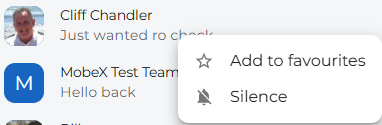

On the left, you can see previous chats.


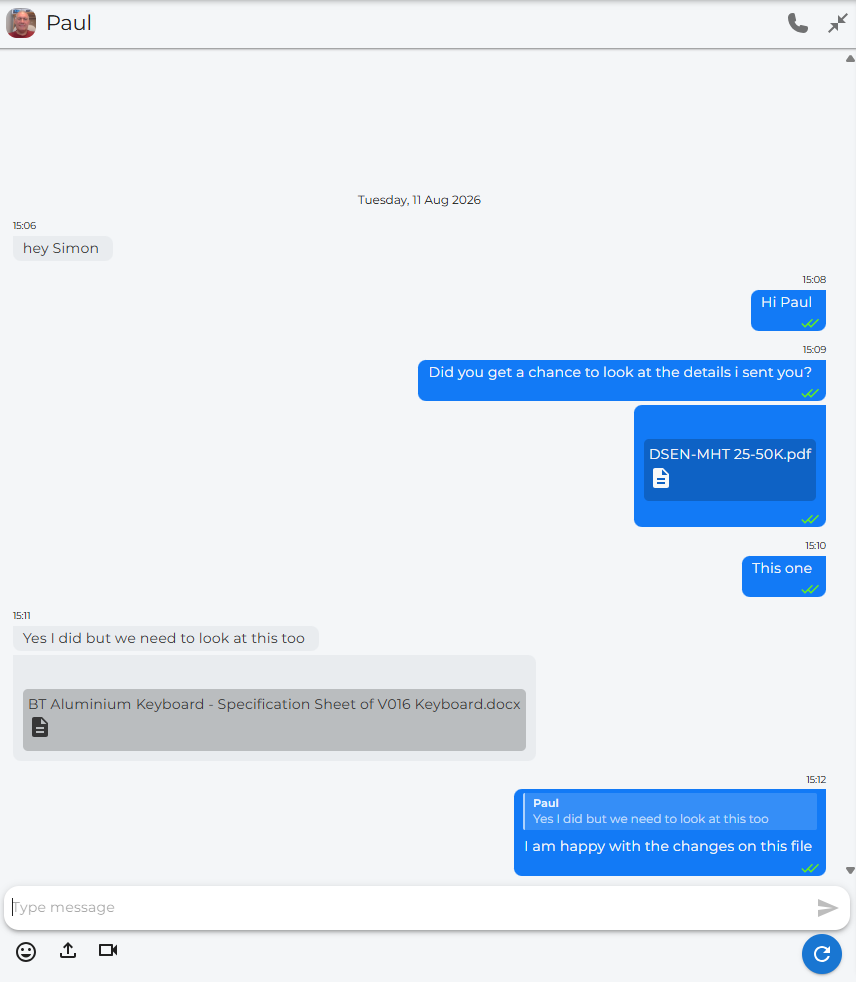
Message Screen Example: