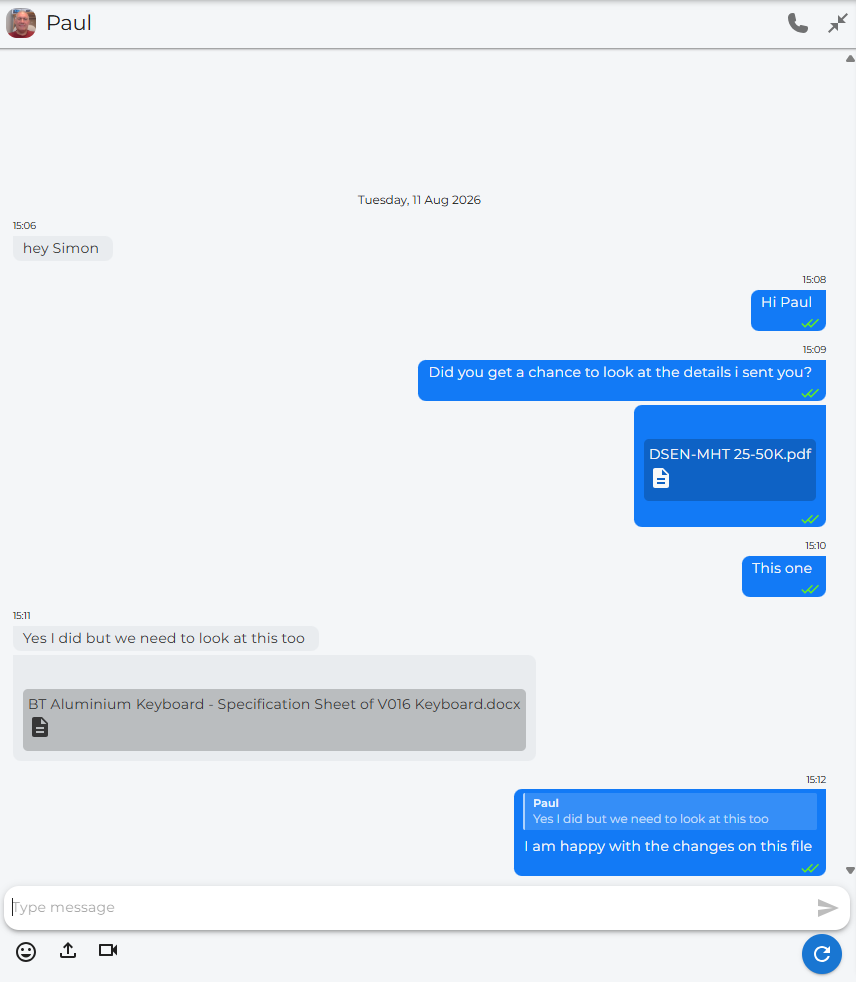
Chat Messaging main page
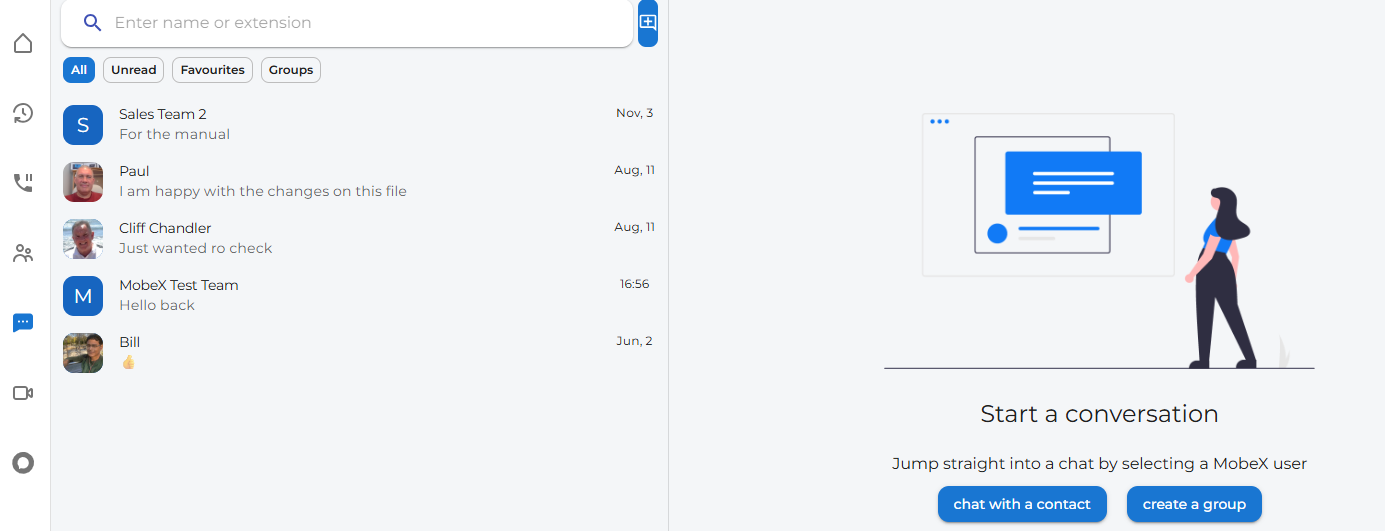
Start a chat
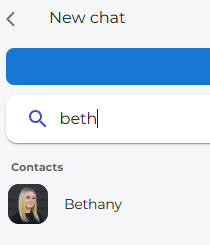
At the top of the chat page, you will find a chat + icon.
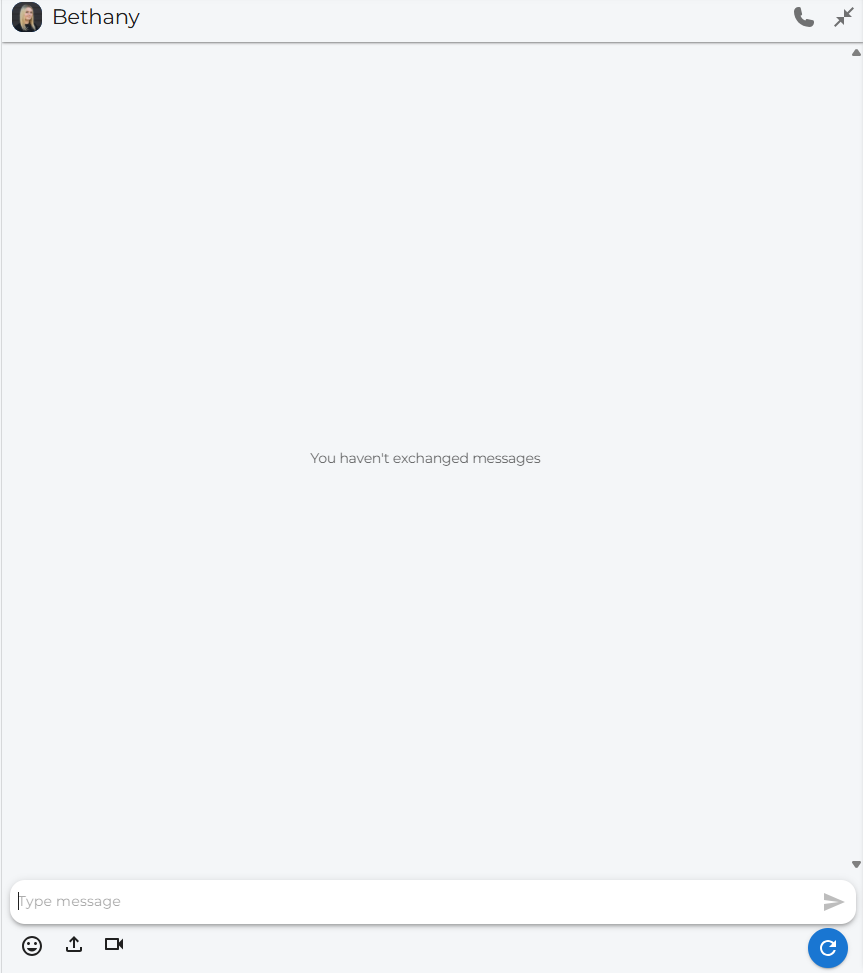
Click on this to start a new chat with someone

On the left, you can see previous chats.


Message Screen Example:

At the top of the chat page, you will find a chat + icon.
Click on this to start a new chat with someone
On the left, you can see previous chats.
Message Screen Example: