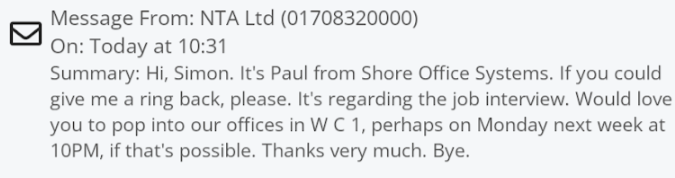
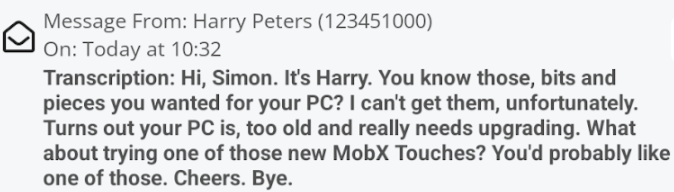
Visual Voicemail
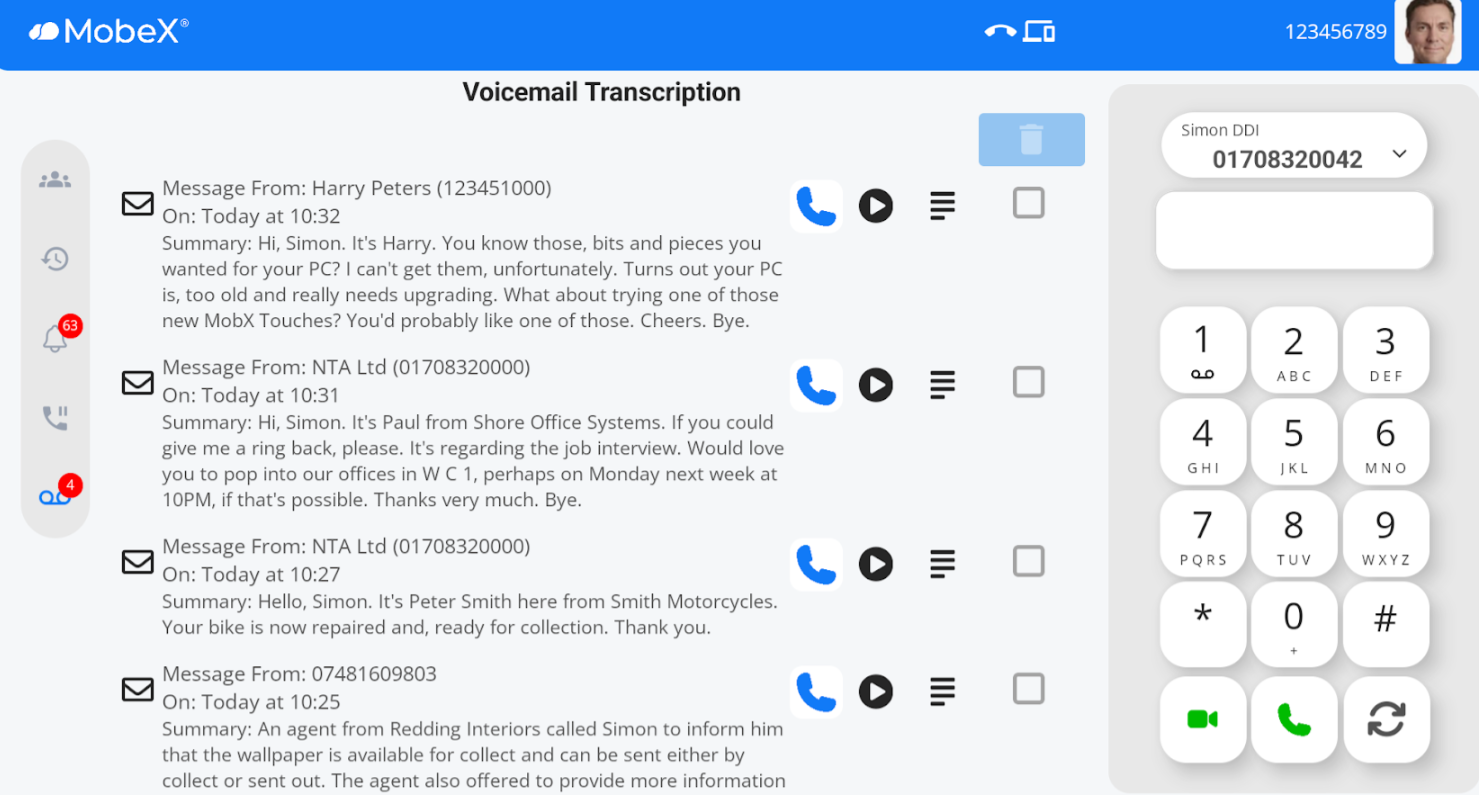
| Visual voicemail is available under the icon toolbar on the left-hand side menu. If you have any new voicemail messages, you will be notified by the red badge circle. Here we are showing 4 new messages. |
|
|
|
The new message will show with the envelope icon closed
and when you have read it you can click on the envelope to mark it as read |
Pressing the handset icon  will initiate a call back to the person who left a message. will initiate a call back to the person who left a message. |
|
|
|
Pressing the play button |
|
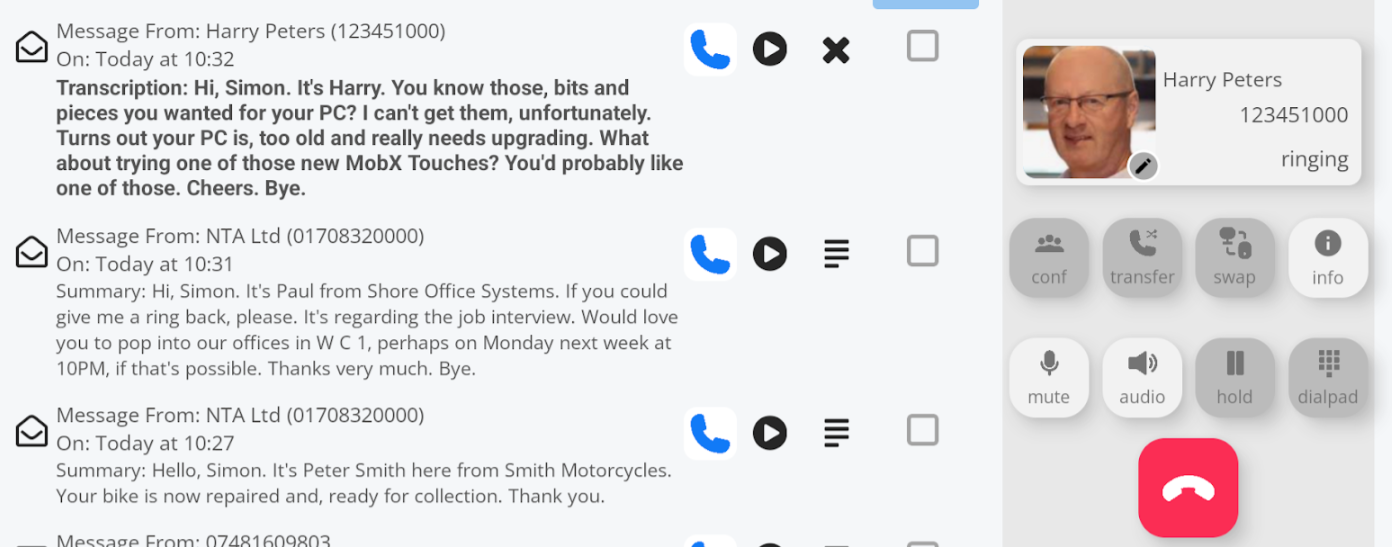
You can press the text icon
You can also press the X icon to close the full transcription |
|
|
You can use the tick box
Then press the rubbish bin to permanently delete the selected message or messages. |