
Cloud Phonebook contacts tab
|
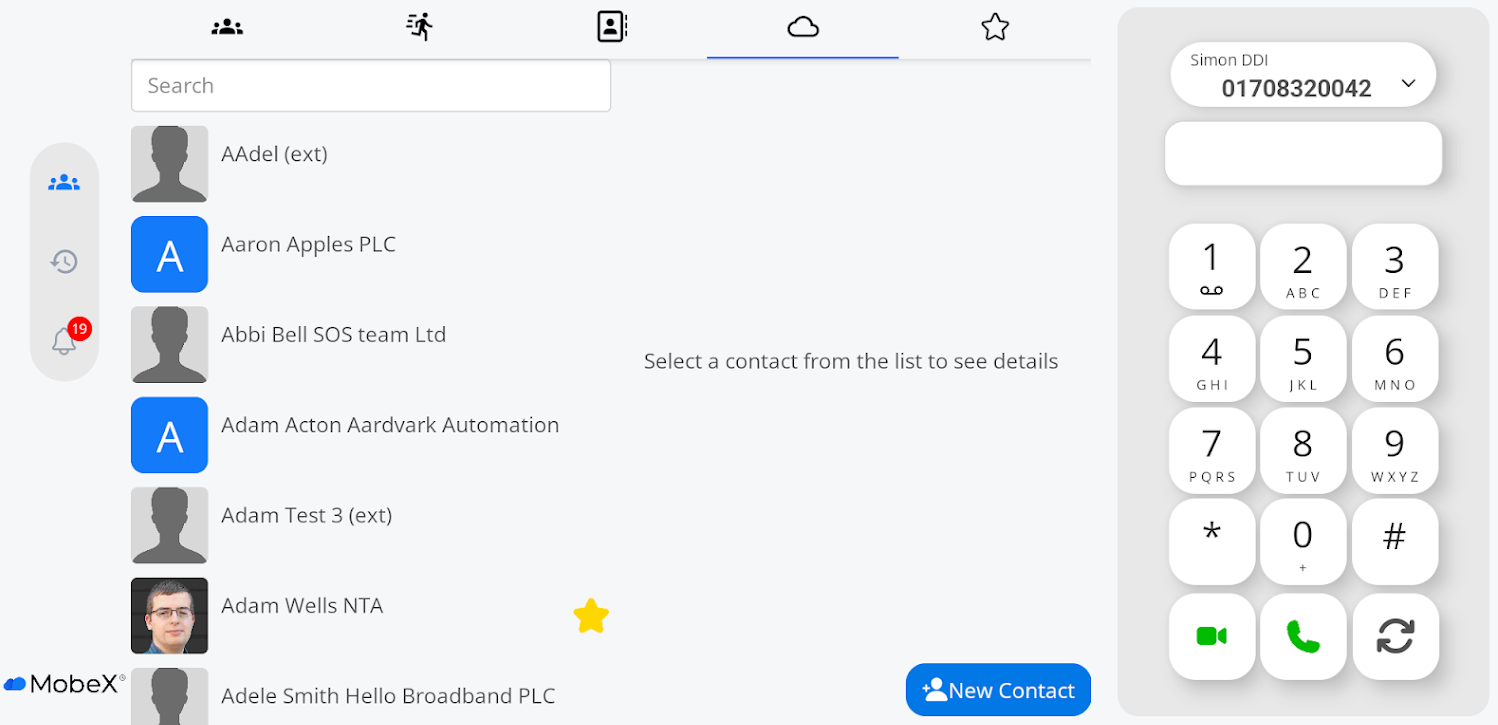
Cloud Phonebook can be found under the following tab Icon at the top of the tablet. |
|
|
|
Cloud Phonebook contacts are available from the telephone system. Any contacts in the telephone system will be displayed here. The Cloud Phonebook can be updated and added to here on the MobeX |
| To add a new contact that will be shared with everyone within the company |
|
|
|
Enter the details of the new contract. You are required to enter the mandatory fields, which are Name, Surname, and at least one of the contact numbers. Don't forget to click save. |
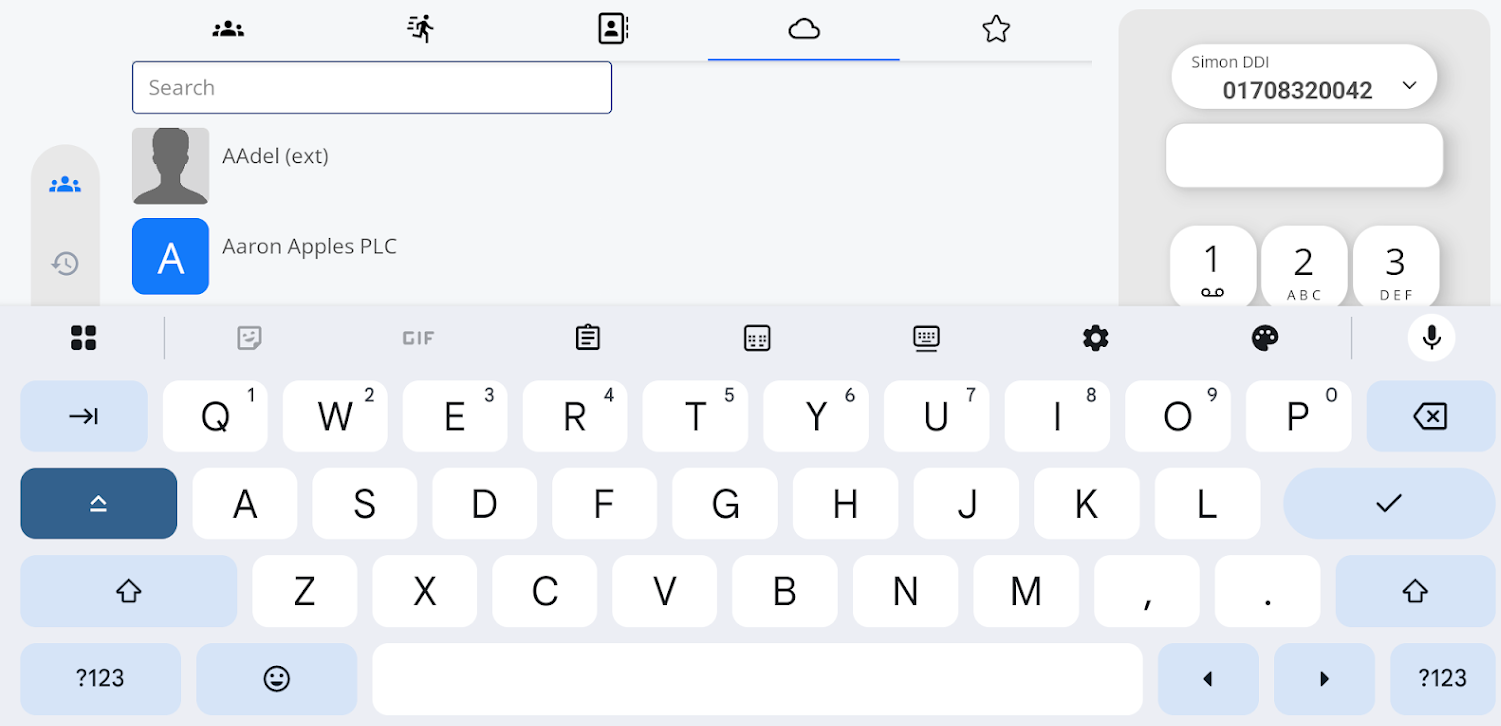
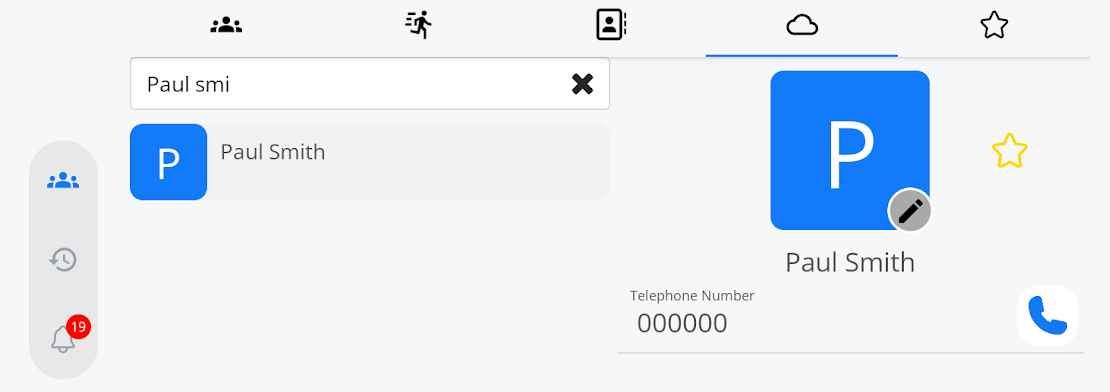
| Searching for a contact in Cloud Phonebook is |
|
|
|
You can also edit and update contacts in the Cloud Phonebook by searching for the contact you wish to update. When you click on the contact
|
|
You can now edit and amend the contact. Once you've finished, click save. If you don't want to edit it and return to the original contact settings, press cancel. |
|



 .
.