Adding User Statuses
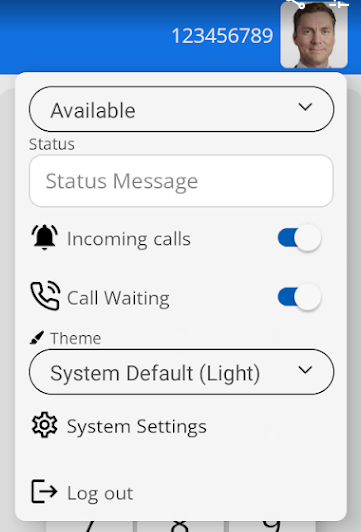
| To help others understand your current availability within the operation of the phone system. You can change your status. |
|
|
|
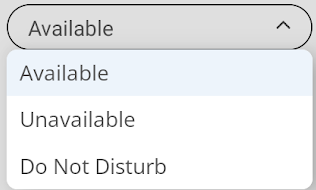
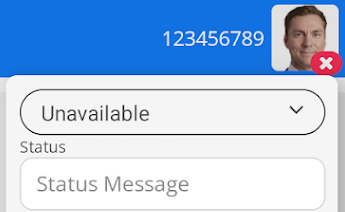
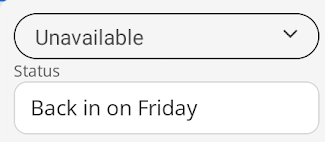
There are three statuses to choose from. Available, Unavailable, and Do Not Disturb
|
|
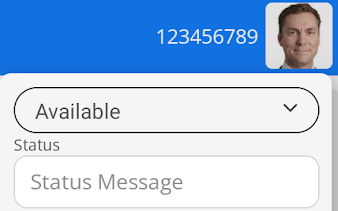
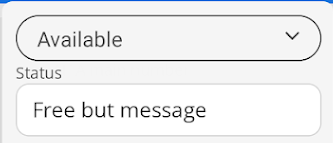
When you set your status as Available, you will see your avatar on your device screen. Other users will see your avatar in this format as well.
|
|
|
|
|
|
|
| You can also add a free text message to your status to provide additional information. |
|
|
|
|