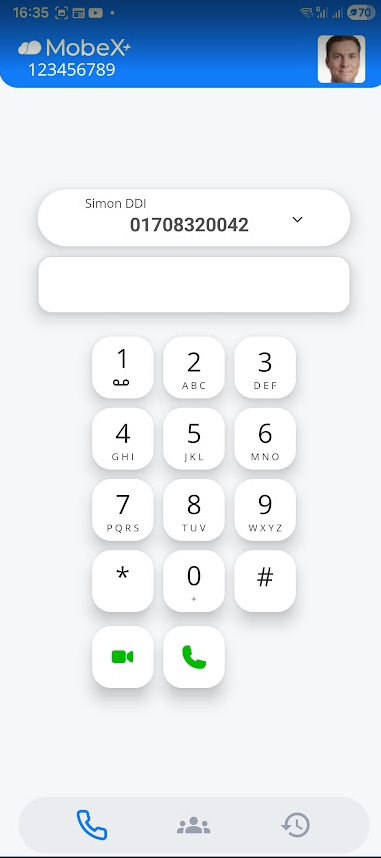
User Interface

This is the default screen you will see. It will already be auto-provisioned to your extension. 

IyuXVQ9qBZl2R5r0RjkAafa5kFAf-SLwr61lDkOcnhFy08pvR09lNpD5lHioYFJVYbah2azehto9Jw43MOw44HnqeZf8VmcTV_QLzh1XGU7JsLFSoKQbEAwAM0WZyz2Ot1EhOoyajwDho5v2SOh46H8image.png

To make a call, type in the number you wish to dialdial, then press:

5MJcgyYdgrSdB9atLAvEoTnKBk4J-ezXIATLRx1KAKad_VlWoB9RNBG8obSLeEs_VmB1pYJhu1-AD96ZeWF-381mMkxQQR5FCCi0PStInia7oeY-9LvABRvUQagljp6o3X5GKuaso7SA6uxh6MGN_sIimage.png


You are now ready to receive inbound calls and can make outbound calls using the dialpad.