Editing messages
Editing any message you have sent
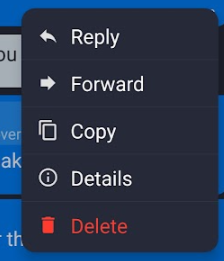
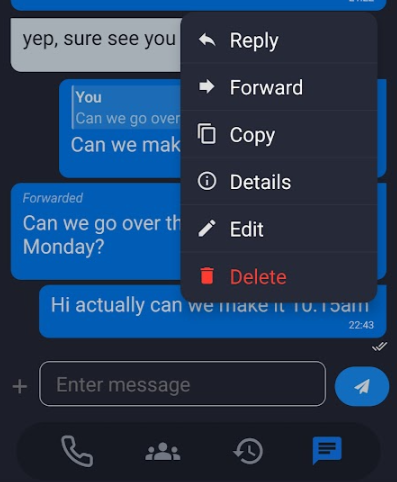
| You can edit any message you have sent within the last 15 minutes of your first sending the original message. Press and hold the message you wish to edit. |
|
|
|
The original message will appear in the text box for you to make your edits. |
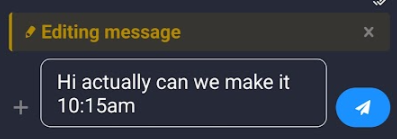
You can now edit the message you have sent. Don't forget to press the send button.

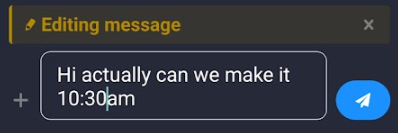
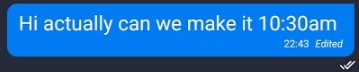
Your message will now be seen in the chat as an edited message. The other party will see that you have edited the message.
If you try to send a message that is older than 15 minutes, the edit option will not be available to use.