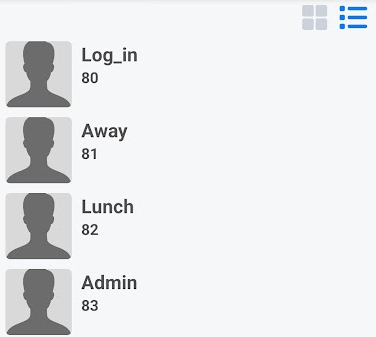
Speed dials
Quick dial numbers you may use regularly. 

|
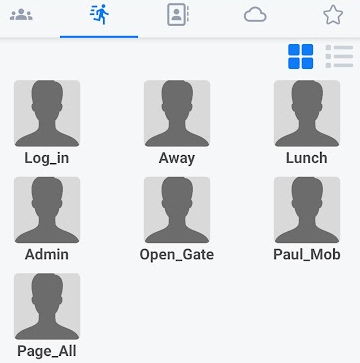
Pressing the speed dial icon next to the presence icon displays any speed dials set up for you.
These speed dials are preprogrammed via the telephone portal. Please speak to your service provider for any changes. |
|
|
|
You can swipe left to take you to the next screen. This would be your Local contacts. |
|
Or you can swipe right to take you back to the presence screen. |
|
|
|
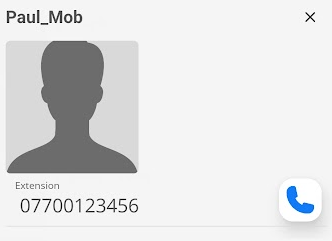
Clicking a speed dial will open a new window showing you the available number or numbers.
To dial the number, press the call key. |
|
Changing to |
|