
HaloPSA integration settings in the telephone system
These settings need to be entered by the system owner. Please refer to your upstream provider.
The initial settings required are as follows from the HaloPSA system.
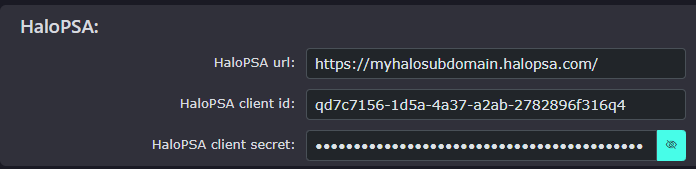
There is a Test Credentials button to ensure you have entered the correct information. Once clicked, a pop-up will display advising whether the details are valid or invalid.

Once you have entered the HaloPSA details, click Save Customer.